Panties Catalog1.1
Publisher Description

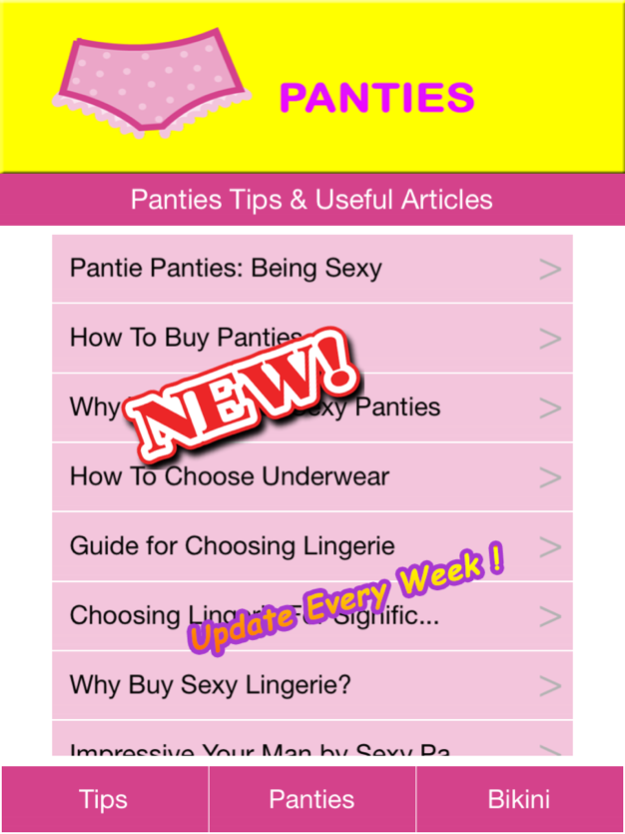
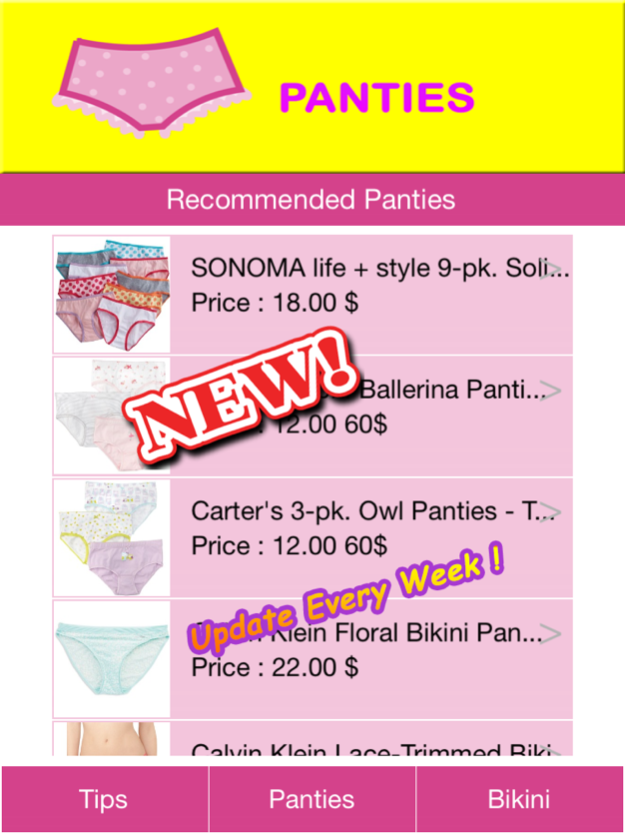
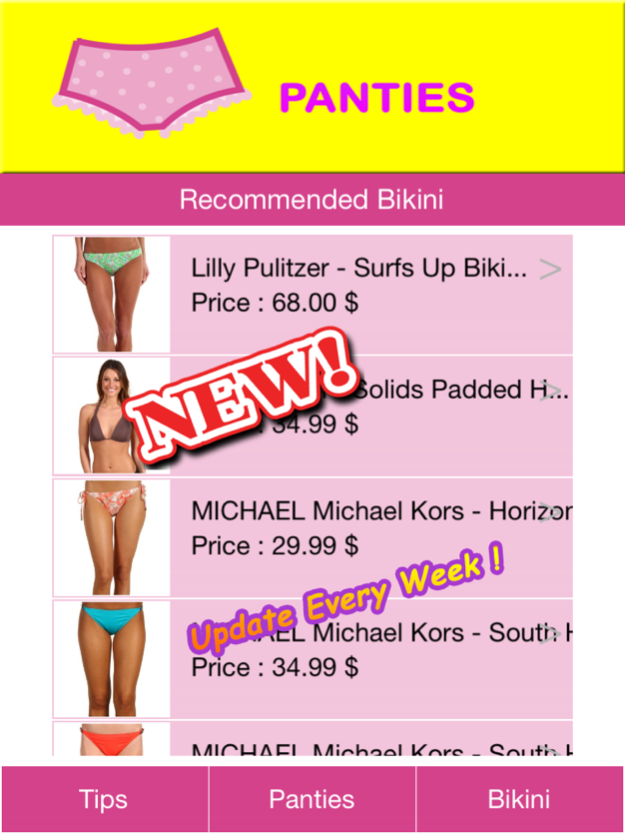



For all woman/girl, Sometime it's difficult to find a good Panties/Lingeries, so Panties Catalog App know this problem and present you with Tips for choosing Panties and There are a lot of Recommended Panties. It also provided Price and Description of Panties for someone who looking good quality & price of Panties/Lingeries for women and girl and there are also a lot of Bikini Catalog.
In this app, you will see
1. Panties Tips & Useful Articles.
2. Panties/Lingeries Catalog.
3. Bikini/Bra Catalog.
4. Panties/Lingeries Catalog will be updated every weeks.
This app (Paid version) will not have banner for advertising, so It will not annoy you.
Thank you for your interest in Panties Catalog App. If you have any question, please come to our Panties Catalog Site.
Sep 14, 2015
Version 1.1
This app has been updated by Apple to display the Apple Watch app icon.
update new content
About Panties Catalog
The company that develops Panties Catalog is nipon phuhoi. The latest version released by its developer is 1.1.
To install Panties Catalog on your iOS device, just click the green Continue To App button above to start the installation process. The app is listed on our website since 2015-09-14 and was downloaded 11 times. We have already checked if the download link is safe, however for your own protection we recommend that you scan the downloaded app with your antivirus. Your antivirus may detect the Panties Catalog as malware if the download link is broken.
How to install Panties Catalog on your iOS device:
- Click on the Continue To App button on our website. This will redirect you to the App Store.
- Once the Panties Catalog is shown in the iTunes listing of your iOS device, you can start its download and installation. Tap on the GET button to the right of the app to start downloading it.
- If you are not logged-in the iOS appstore app, you'll be prompted for your your Apple ID and/or password.
- After Panties Catalog is downloaded, you'll see an INSTALL button to the right. Tap on it to start the actual installation of the iOS app.
- Once installation is finished you can tap on the OPEN button to start it. Its icon will also be added to your device home screen.
Program Details
System requirements
Download information
Pricing
Version History
version 1.1
posted on 2015-09-14
Sep 14, 2015 Version 1.1
This app has been updated by Apple to display the Apple Watch app icon.
update new content
version 1.1
posted on 2015-09-14
Sep 14, 2015 Version 1.1
This app has been updated by Apple to use the latest Apple signing certificate.
update new content
version 1.1
posted on 2015-09-14
Sep 14, 2015 Version 1.1
update new content
version 1.1
posted on 2014-08-04
version 1.1
posted on 1970-01-01
2015年9月14日 Version 1.1
update new content
version 1.1
posted on 1970-01-01
14 de sep. de 2015 Version 1.1
update new content
version 1.1
posted on 1970-01-01
14 de Set de 2015 Version 1.1
update new content
version 1.1
posted on 1970-01-01
14 de set de 2015 Version 1.1
This app has been updated by Apple to use the latest Apple signing certificate.
update new content
version 1.1
posted on 1970-01-01
2015年9月14日 Version 1.1
This app has been updated by Apple to use the latest Apple signing certificate.
update new content
